July 2026
30 updates
- View
Trade Tracker: realized vs unrealized premium P/L
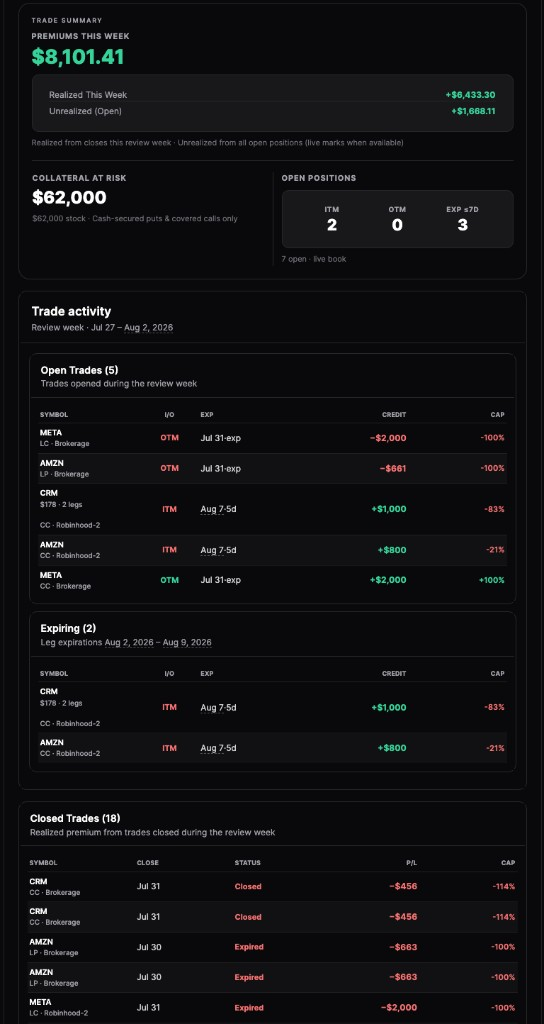
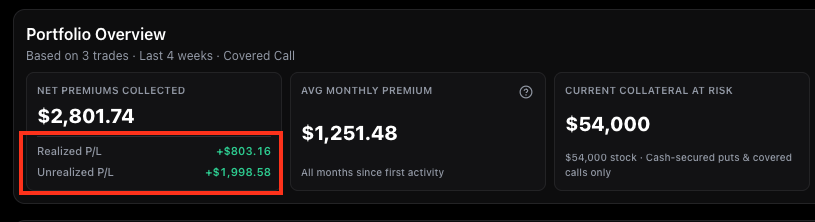
Trade TrackerWhen you include open credits in the portfolio overview, Net Premiums now breaks out realized P/L from closed legs and unrealized P/L from open credits.
- View
Trade Tracker: Processing status after expiration
Trade TrackerBroker-linked options that just expired show Processing in closed trades while we wait for your broker to confirm assignment or expiry — hover for a likely outcome hint.
- View
Learn: was this article helpful?
ContentThumbs up or down on course and guide articles so we can improve the ones that are confusing — optional comment when something was not clear.
- View
Trade Tracker: company logos and premium captured row colors
Trade TrackerOpen positions now show ticker logos beside each symbol and a subtle green, yellow, or red row tint based on how much premium you have captured (50%+ green, 0–49% yellow, underwater red).
- View
Broker connect: choose how far back to import
Trade TrackerPick your import window when connecting a brokerage — preset chips for last 2–5 years on Ultra, or expand older history later from Sync now if you upgraded after connecting.
- View
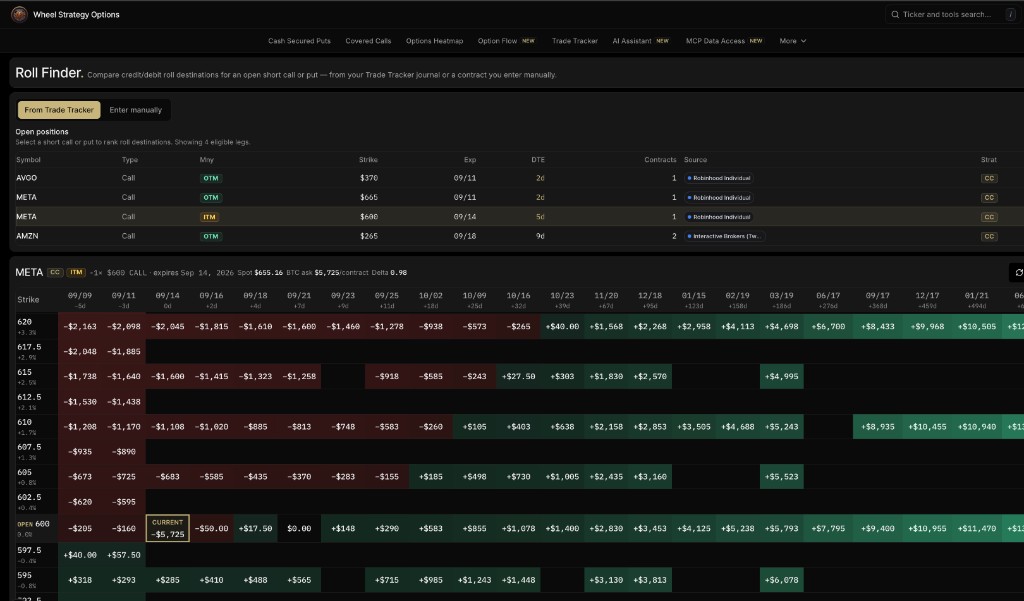
Trade Tracker: rolled trades grouped in open and closed tables
Trade TrackerMulti-leg rolls now collapse into one row with aggregate premium, fees, and P/L — expand to see each leg. Works for manual rolls and connected broker portfolios.
- View
Trade Tracker: clearer broker accounts and fewer duplicate imports
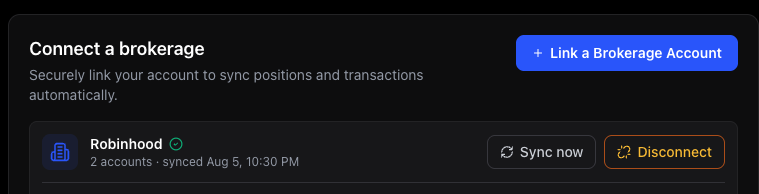
Trade TrackerConnected brokerage accounts now show the broker name, account number, and imported date range in the sidebar and connection panel. Re-syncs also drop stale duplicate rows when SnapTrade re-issues activity ids.
- View
Trade Tracker: saved filters and accurate collateral at risk
Trade TrackerYour date, strategy, and symbol filters stick as you move between sections and come back later. Collateral at risk now counts only cash-secured puts and covered calls — long legs and spreads no longer inflate the number.
- View
Trade Tracker: unified filters and strategy chips on Trade Summary
Trade TrackerTrade Summary now uses the same date, strategy, and symbol filters as the rest of the tracker. Share cards label each row with its strategy, and the filter bar shows chips for strategies you actually have trades in.
- View
Trade Tracker: accurate unrealized P/L on longs and verticals
Trade TrackerLong calls and puts now show mark-to-market against the premium you paid (not an inflated credit), and vertical spreads mark both legs so close cost matches short ask minus long bid.
- View
Screener: P/E Ratio filter and clearer saved settings
ScreenerP/E Ratio is back in Advanced Filters, and Your Saved Screeners now lists the filters that actually apply — not leftover defaults.
- View
Trade Tracker: same-day closes and reconnect for disabled brokers
Trade TrackerSame-day long-option buys and sells pair correctly (no more false “expired” full losses), disabled brokerage links stay visible with a reconnect prompt, and Reconnect opens SnapTrade auth for that broker directly.
- View
Trade Tracker: more accurate broker sync and holdings
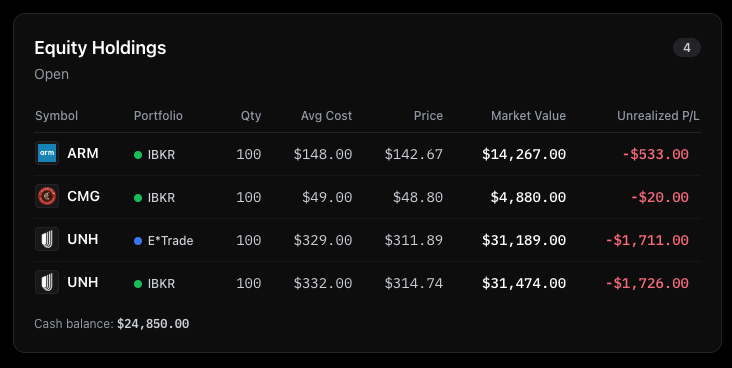
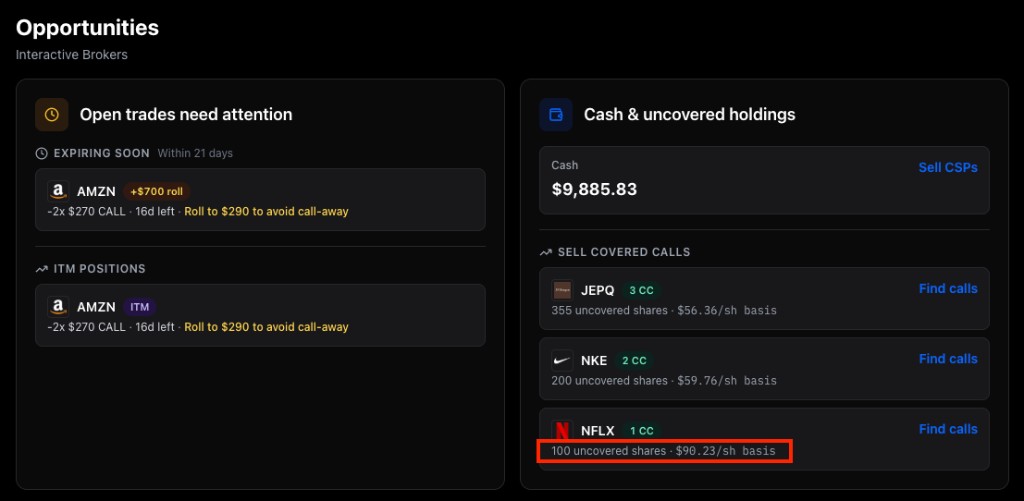
Trade TrackerMulti-lot stock positions (e.g. several 100-share lots) now sum correctly, closed options no longer linger as open Opportunities after a clean broker sync, long Webull syncs no longer show a false “Sync failure,” and Trade Summary follows your date range with a Closes-only filter.
- View
Trade Tracker: expired options show even when the broker skips them
Trade TrackerPuts and calls that expire without a broker expiration event now appear in Closed Trades, Wheel Cycles, and Performance — not only in raw History.
- View
Trade Tracker: Wheel Cycles exit when shares are sold
Trade TrackerActive wheels no longer stay stuck on “awaiting covered call” after you sell the shares — stock sales close the cycle so only real share legs stay open.
- View
Trade Tracker: vertical spreads pair on open and closed trades
Trade TrackerCredit spreads show as one Put/Call Credit Spread across Trade Tracker — including undated index weeklies and same-day rolls where an older vertical is closed and a new one opened.
- View
Trade Tracker: all strategies on by default
Trade TrackerStrategy filters now start with every strategy selected (spreads and long options included), not just Covered Call and Cash Secured Put.
- View
Screener: saved filters and bookmarks stick
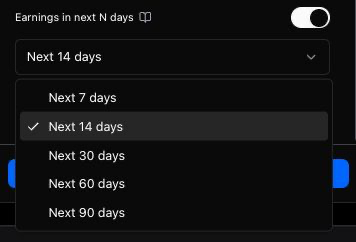
ScreenerSave Screener now remembers IV Rank, RSI, probability, open interest, and the rest of your criteria. Shared/bookmarked URLs keep your full filter set, and you can filter by minimum open interest on both CC and CSP screeners.
- View
Trade Tracker: similar trades on closed rows
Trade TrackerClosed trades now include Show similar trades — preview contracts in the same ballpark as a closed covered call or cash-secured put.
- View
Dashboard: open positions and premiums by portfolio
Trade TrackerSee ITM/OTM open positions at a glance and net premiums by portfolio with shared date presets (Last 7 days through All time). Toggle Include open credits on the dashboard or Trade Tracker Overview — the preference stays in sync.
- View
More menu: clearer categories and Pricing CTA
ContentThe More menu now groups Find, Screen, Track, Learn, Tools, and Help in a Stripe-style panel — What’s New lives under Help, and My Dashboard sits with Trade Tracker.
- View
Screener: active filter pills match your DTE
ScreenerDays-to-expiration and calendar expiration choices now show up as removable pills above Save Screener, and the empty chips row no longer wastes space on desktop.
- View
Trade Tracker: clearer Net Premiums and Avg Monthly
Trade TrackerOverview defaults to realized premiums only (toggle open credits back on if you want), shows how Avg Monthly is calculated, and averages across your full trade history including quiet months.
- View
Trade Tracker: Wheel Cycles with total return
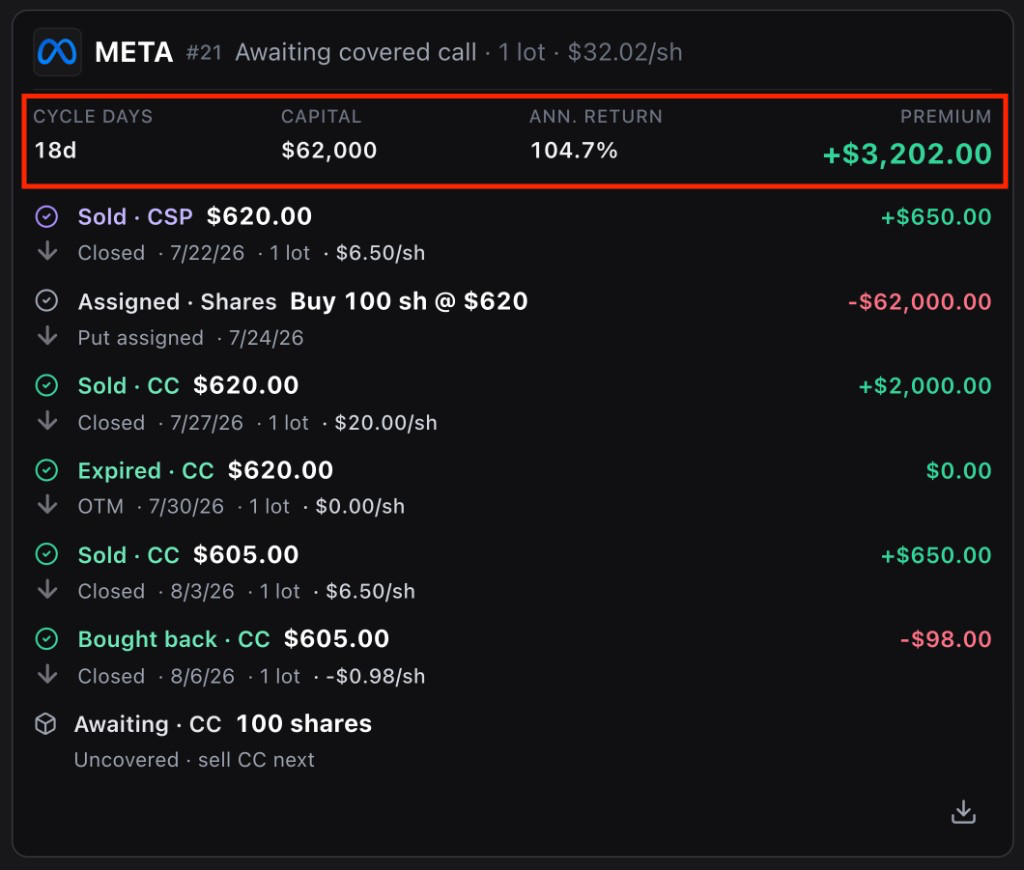
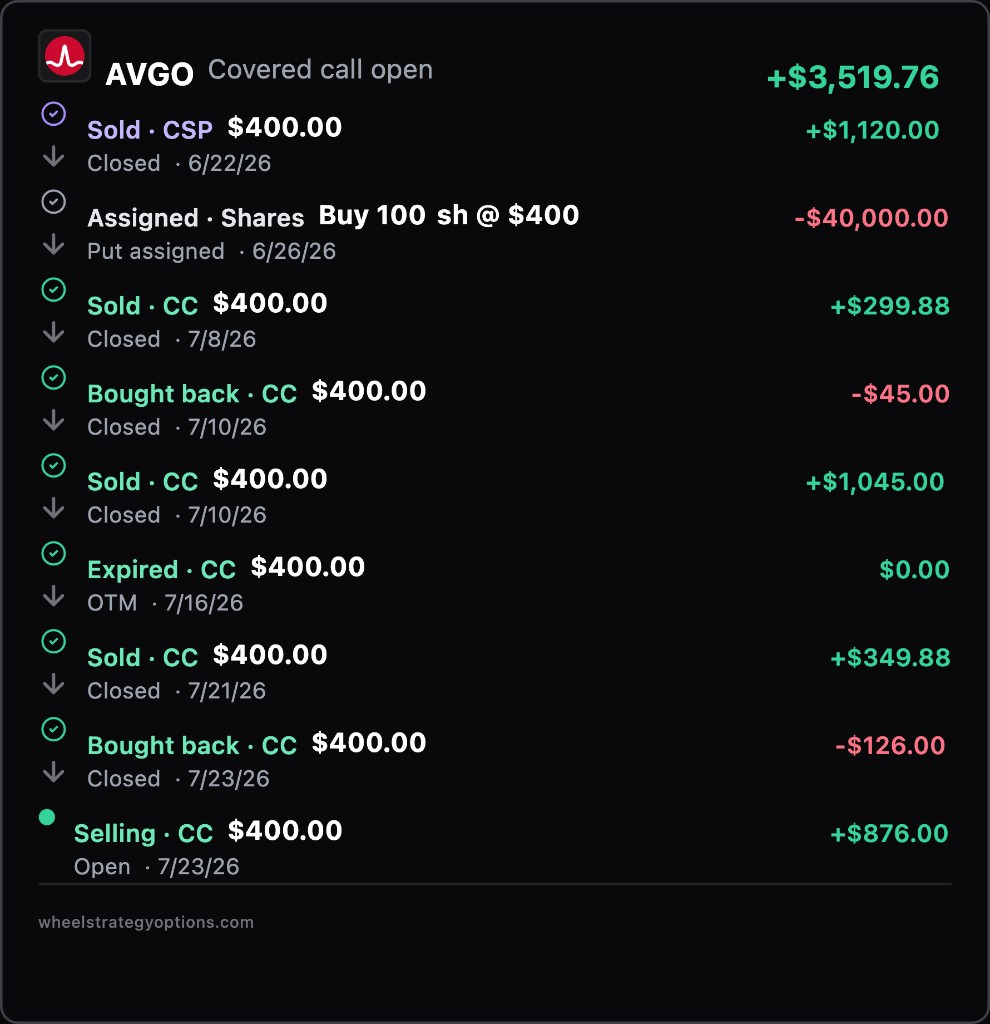
Trade TrackerWheel Cycles is live — see each CSP → CC run with premium, stock gain on call-away, total return, and annualized return across active and completed campaigns.
- View
New course: master the Trade Tracker
ContentA screenshot-by-screenshot course walks you through the Trade Tracker end to end — logging trades manually, connecting a brokerage, monitoring open positions, and reading your stock basis, performance, and premium analytics.
- View
Trade Tracker: try it without signing in
Trade TrackerSigned-out visitors can explore Trade Tracker with sample E*Trade, IBKR, and Robinhood portfolios — open positions, trade summary cards, stock basis, performance charts, and closed-trade history. Sign in when you are ready to connect a brokerage or track your own wheel.
- View
Trade Tracker: Stock Basis by portfolio
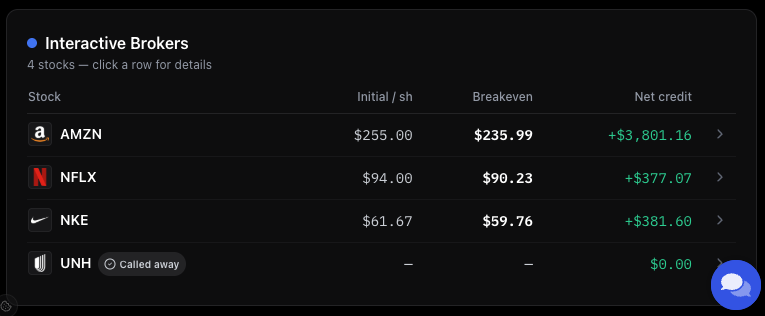
Trade TrackerNew Stock Basis section shows initial and adjusted cost per share for each ticker, grouped by manual or connected portfolio. Expand a row to see how premiums and assignments built the number, the trades behind it, and add your share cost when you only have covered calls.
- View
Screener: expand table on desktop
ScreenerUse Expand table next to Get CSV to go full screen on the results grid — filters tuck away, column headers stay pinned while you scroll, and Previous/Next stay visible at the bottom. Press Escape or Exit expanded view to return (advanced filters reopen automatically).
- View
Trade Summary: rolled trades show as one line
Trade TrackerSummary share cards now group rolled positions into a single Rolled row with combined net premium, so closing and reopening the same wheel leg no longer appears as two separate trades.
- View
Screener: Beginner mode results scroll again
ScreenerBeginner-mode idea cards in the covered call and cash secured put screeners scroll normally again when there are more results than fit on screen.